Affordable Multi-Colour 3D Printers: How to Pick the Best Value for Colourful, Professional Prints
Published Updated
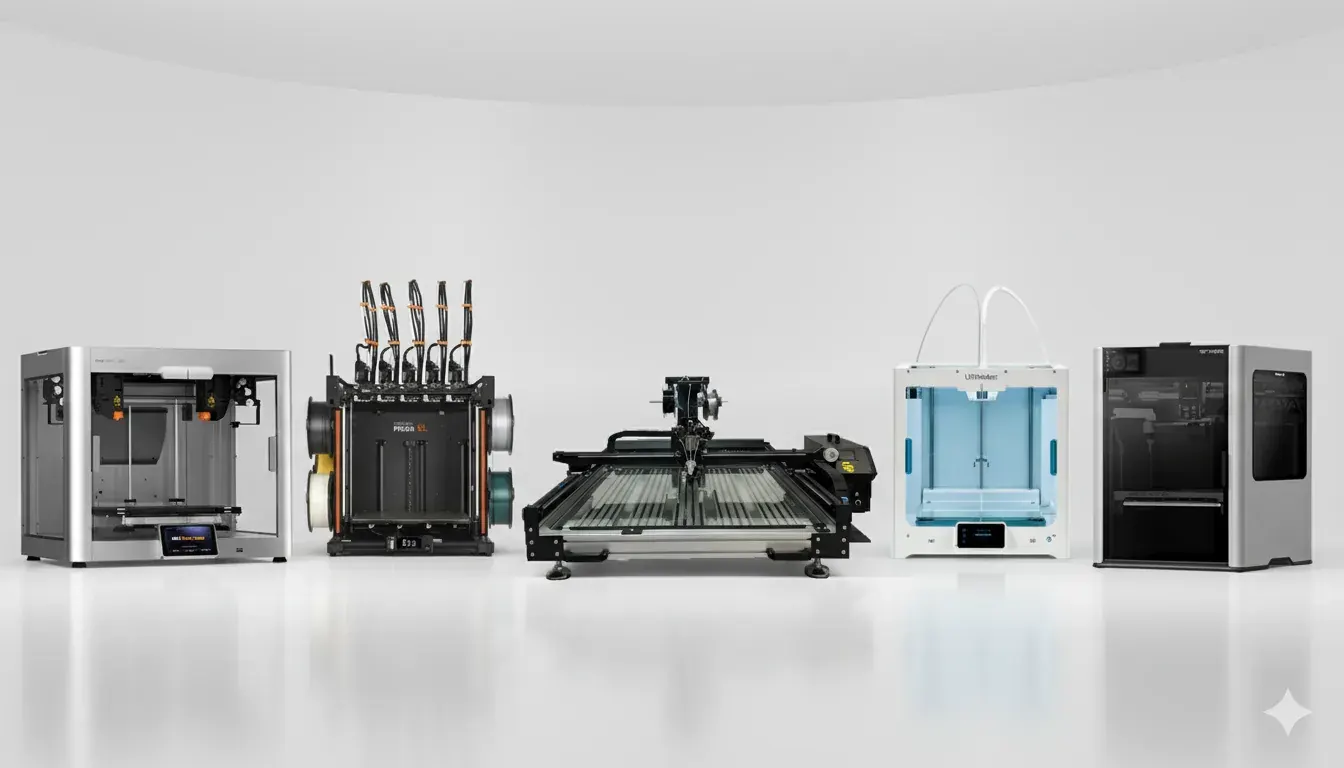
Multi-colour 3D printing used to be the preserve of expensive multi-extruder machines or complex post-processing. In 2025 the landscape shifted: affordable multi-filament systems, filament-switching toolheads, and compact multi-extruder combos let small businesses, sign shops and enthusiastic makers produce vibrant multi-colour parts without breaking the bank. This guide walks through the best affordable options, explains trade-offs, and compares Sign Group’s SG-S 3D ULTRA and SG-S 3D Pro ULTRA (both built for signage and channel-letter work) with popular budget multicolour models. Sources are linked so you can drill down into specs and reviews.
Why multi-colour matters (and what “affordable” means)
Multi-colour printing improves product realism, reduces post-paint labour and enables on-demand, fully finished parts (think logos, multi-tone prototypes, and decorative signage). “Affordable” today typically means machines priced well below industrial tool-changer systems – often under £2,000 for capable multi-filament solutions, or larger-format signage-focused printers that deliver colour via filament changes or hybrid liquid acrylic processes.
Quick recommendations (who each is for)
- Hobbyists / beginners: Anycubic / Creality multi-filament combos — low cost and easy to use.
- Small businesses (product prototypes / signage): Bambu / Flashforge multi-filament combos — better reliability, faster prints.
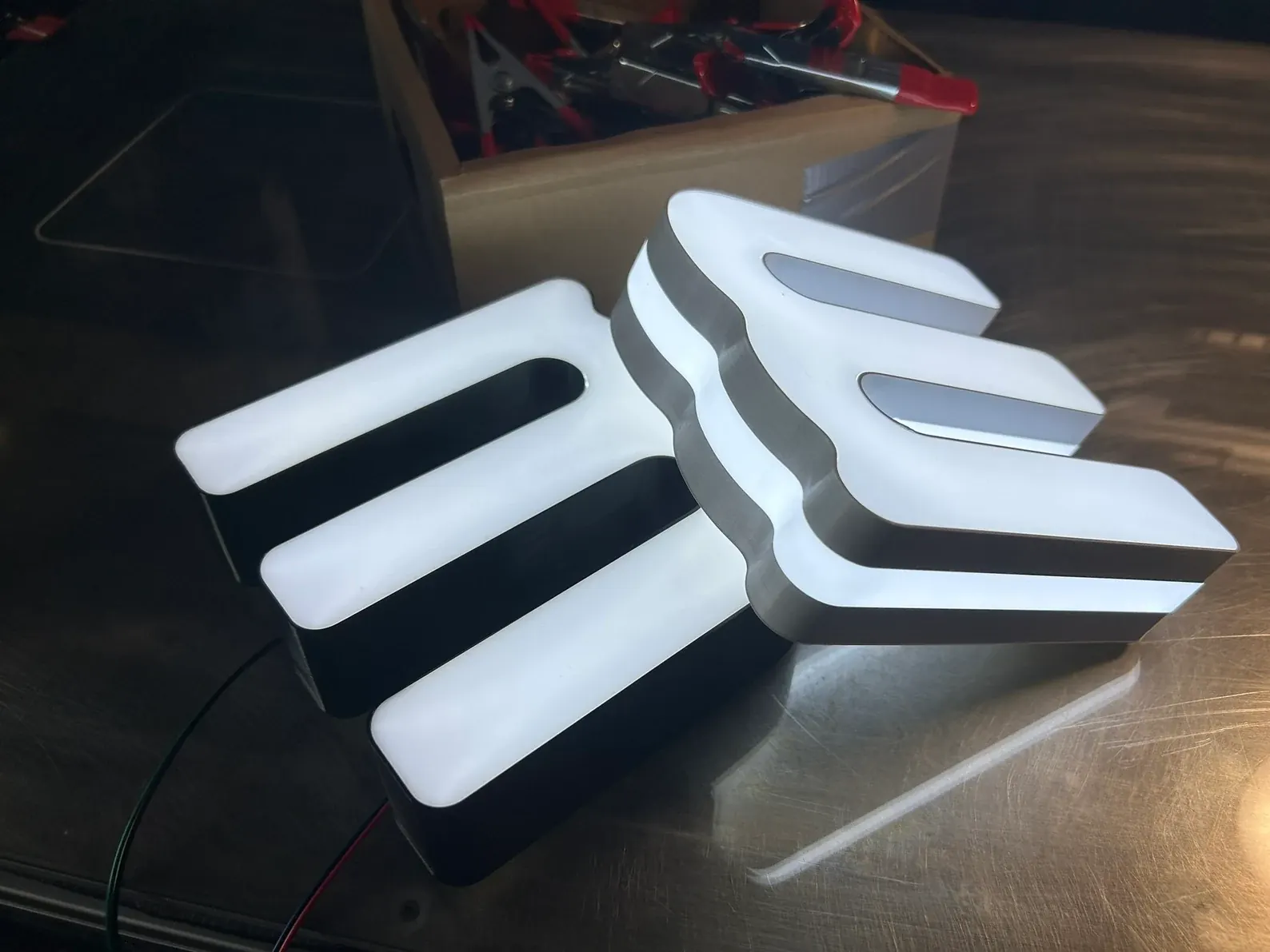
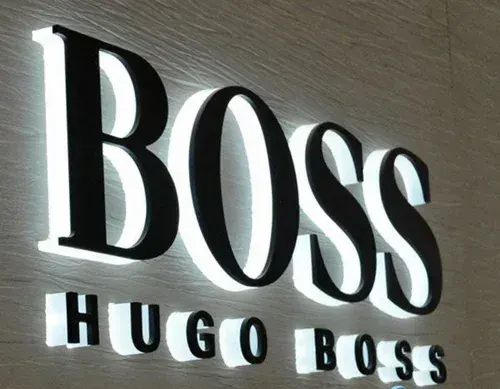
- Sign makers & visual communications (large format, channel letters): Sign Group SG-S 3D ULTRA and SG-S 3D Pro ULTRA — built with 800×800 mm or 1200×1200 mm beds, UV acrylic curing options and sign-grade filament support. These are engineered for continuous production, energy efficiency and faster throughput in signage workflows.
Comparison table
affordable multi-colour & signage printers
Notes: specs vary by model/year and optional configurations (e.g., UV curing on SG-S Pro Ultra). Check retailer pages for current pricing and exact build volumes. Sources cited per row.
| Model / Use case | Colour approach | Build volume (typical) | Best for | Key pros |
|---|---|---|---|---|
| SG-S 3D ULTRA | Filament multi-colour / dual-face printing | 800×800 mm or 1200×1200 mm (table sizes) | Sign shops, channel letters | Energy-efficient (1–2 kWh/24h), one-click file generation, 24/7 operation |
| SG-S 3D Pro ULTRA (UV) | Multi-colour + built-in liquid acrylic UV curing | 800×800 mm or 1200×1200 mm | High-finish signage, production runs | Auto-levelling, cooling, built-in UV curer, 2-year warranty*, UK support |
| Bambu Lab (e.g., H2D / A1 Combo) | Multi-filament AMS / multi-tool swap | 300×300×300 mm (varies) | Prosumer multicolour, fast prints | Fast, reliable, automatic material system |
| Creality Hi / K-series multi-filament | Multi-filament daisy-chain / multi-heads | ~220–300 mm cube | Budget multi-colour hobbyists & small studios | Very low cost, surprisingly capable |
| Flashforge AD5X | Multi-material / four-colour toolhead | ~250–300 mm cube | Small businesses wanting 4-colour prints | Good value, multi-material support |
| Anycubic Kobra 3 Combo | ACE multi-filament accessory (4-color) | compact desktop | Affordable 4-colour desktop prints | Low cost, compact |
Practical trade-offs to weigh
- Colour fidelity vs workflow complexity: True simultaneous multi-nozzle systems produce continuous multi-colour parts but cost more. Filament-swap or single-nozzle with multi-filament switching is cheaper but can introduce seam lines or purge waste.
- Build volume: For signage and channel letters you need large beds – this is where Sign Group’s large-format offerings stand out compared with desktop multicolour printers. If you print signs, a 800×800 mm or 1200×1200 mm platform is a must.
- Material & outdoor durability: Signage often requires weather-resistant filaments (Sign Group’s HFPC / PMMA blends are formulated for outdoor illuminated signage). If prints are for outdoor use, check UV resistance and recommended post-processing.
- Throughput & automation: For production work, automated features (one-click operations, auto-levelling, filament dryers, built-in UV curing) reduce labour and increase consistent output – core strengths of the SG-S Pro ULTRA.
Production tips for multi-colour signage
- Use a filament dryer for hygroscopic filaments (PETG/HFPC) to reduce stringing and failures. Sign Group offers purpose-built filament driers.
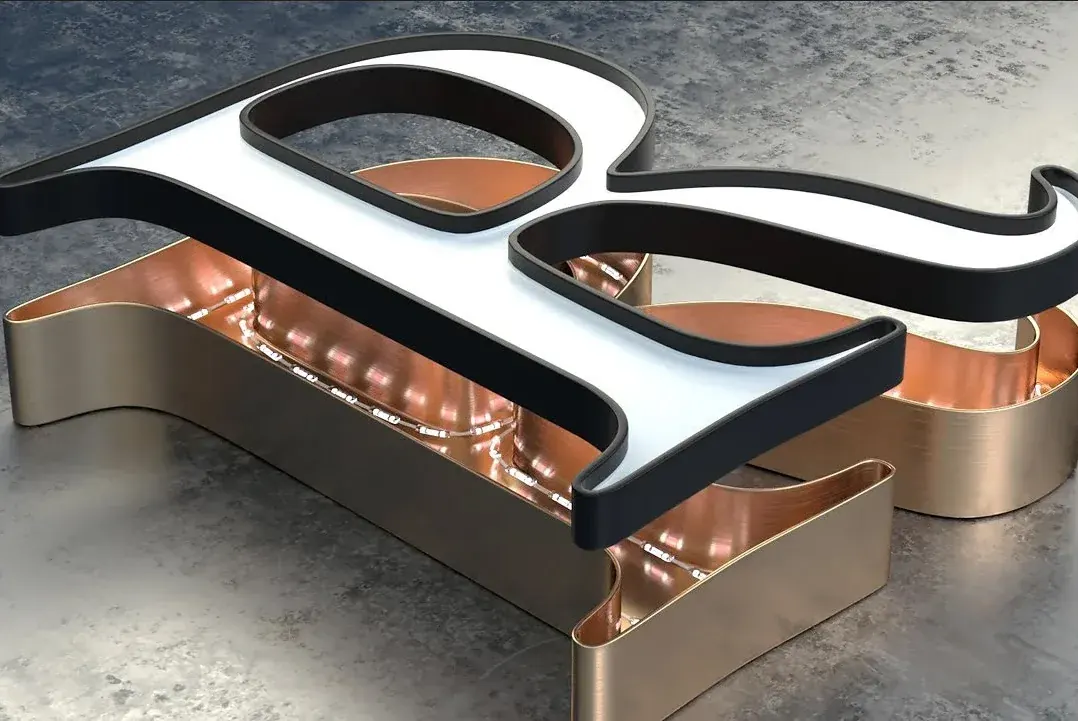
- For smooth, vibrant faces, consider hybrid approaches: print structural body with HFPC, then apply liquid acrylic faces and cure with UV (the SG-S Pro ULTRA’s UV option is built for this).
- Optimize slicer purge towers and wipe sequences to reduce filament waste in multi-filament swaps; for high-volume runs, multi-nozzle or AMS systems (Bambu / Flashforge tool-swaps) waste less per part.
Final verdict
If your priority is large-format, production-grade multi-colour signs and channel letters, Sign Group’s SG-S 3D ULTRA and SG-S 3D Pro ULTRA are purpose-built solutions that justify their positioning: large build area, automation, UV curing options and signage-grade filaments make them efficient for sign shops and visual communications businesses.
For desktop multicolour needs (prototyping, small runs, multi-material models) look at the latest Bambu/Flashforge/Creality combos for the best value per pound.
Always match the machine to your required build volume, colour workflow and material durability needs
*Conditions apply, ask us for the terms.